Trusted workflow essentials
YouTube OAuth
Stripe
PayPal
Manual uploading is a momentum killer.
✗
Uploading one-by-one takes hours
✗
Titles, descriptions, tags get repetitive/inconsistent
✗
Scheduling is easy to skip
✗
Rendering videos is a bottleneck
From audio file to published video - end to end.
Six simple steps that run on autopilot.
Upload beats
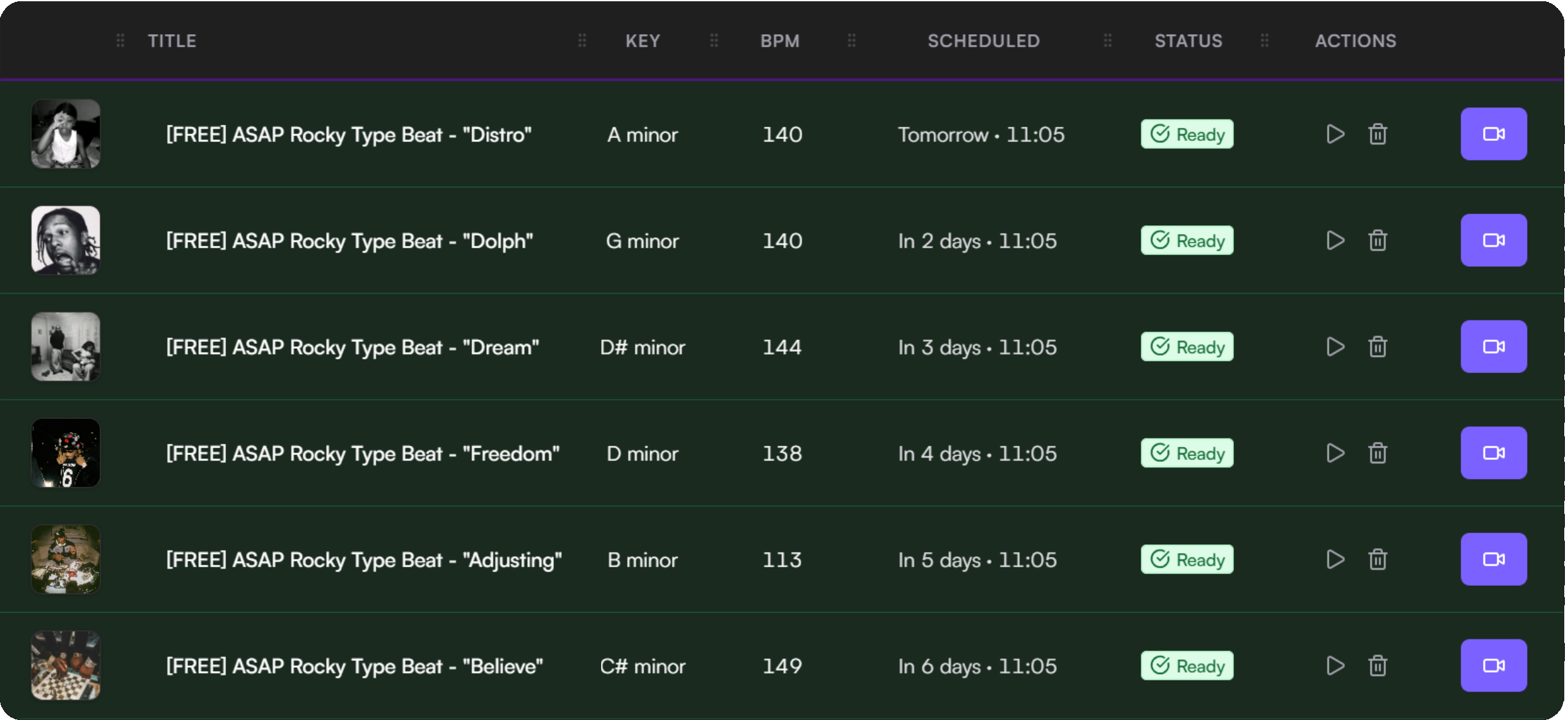
Auto-analyze BPM & key
Apply templates for metadata
Schedule uploads on calendar
Render videos in queue
Publish to YouTube automatically
Spend less time on repetitive steps - and more time making beats.
Always know what's left this month.
See uploads, renders, and storage at a glance with clear usage bars and real-time status indicators.
Uploads used
0 / 30
Videos created
0 / 60
Storage
0.0 GB / 25 GB
Built to help producers stay consistent.
BeatLoadr exists to remove repetitive work from beat marketing - so you can spend more time creating and less time uploading.
Automation-first
Remove busywork so you can focus on creating beats, not managing uploads.
Creator control
Clear permissions and data ownership. Revoke access anytime.
Reliability
Visible status and predictable workflows you can depend on.
Common questions
Do you store my YouTube password?
Never. You connect using YouTube OAuth.
Can I schedule uploads in advance?
Yes. Drag and drop beats onto dates and plan weeks ahead.
Does it support my audio format?
Upload MP3, WAV, FLAC, M4A, AAC, and OGG files.
Can I cancel anytime?
Yes. You can downgrade or cancel whenever you want.
View all questions →